editorial guide · September 29, 2026
Dream11 App guide: Dream11 IPL deadline checklist
Written by the Dream11 App Editorial Team
This guide has been reviewed for clarity, India-market accuracy, and consistency with public reference pages.
Updated
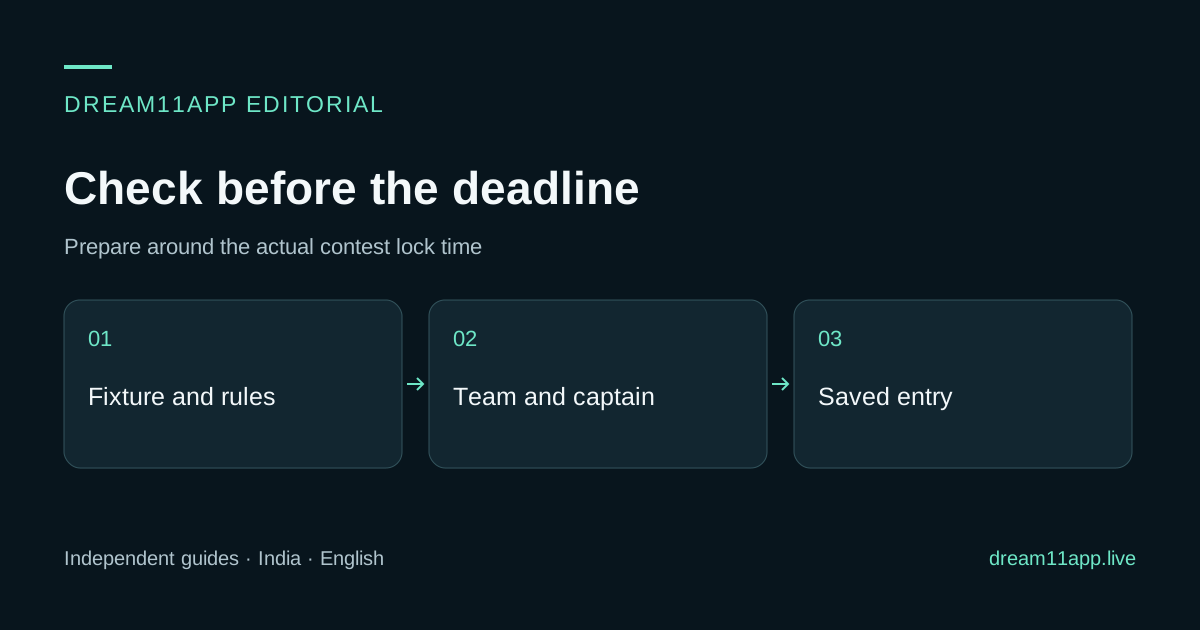
A Dream11 deadline is the time the provider displays for the particular contest, not a universal synonym for the toss. This checklist organizes preparation around that verified lock time. A sixty-minute planning window is an example of personal preparation, not a claim about when an IPL lineup is announced or when every app stops accepting edits. A Dream11 App user should still confirm the displayed lock time on the contest screen before saving a team.
Establish the deadline first
Open the intended fixture and record its date, teams and timezone. Read the contest’s entry and editing deadline separately from the official match start. Check whether a postponement or rescheduling notice changes the entry conditions. Do not use an old screenshot or a familiar evening start time as the source of truth.
Use the IPL planning hub to check the fixture, squad and rules guides before preparing an entry.
Use the team-selection guide to prepare the role evidence before the final checks.
If you are preparing well in advance, set aside enough time to review the rules and build a valid draft. Avoid a workflow that depends on official team news arriving at an exact number of minutes before lock; announcement timing can vary.
Use a flexible preparation timeline
| Stage | Task | Evidence to keep |
|---|---|---|
| Before the final hour, where practical | Read rules and prepare a valid draft | Fixture, constraints and scoring sheet |
| When reliable team information appears | Recheck participation and likely roles | Source and time of the announcement |
| Before the final edit | Compare captain and vice-captain assumptions | Role and multiplier rationale |
| With enough time to verify a save | Confirm the intended entry | Team, contest and accepted save state |
| After lock | Stop edits and retain the record | Final entry and any provider notice |
The sequence matters more than assigning a universal minute to each step. If your available time is short, prioritize a valid, verified entry over a large number of last-second changes.
Check participation without inventing certainty
Separate the official squad, expected XI and announced match lineup. Review injuries or role restrictions using current reliable information. A replacement signing or auction purchase does not prove the player will participate in this fixture.
Use the IPL teams guide to organize the evidence. If a participation question remains unresolved before lock, record the uncertainty in your selection decision instead of describing the player as confirmed.
Validate the team after every change
Check player count, role limits, available credits, team quotas and any substitute rules shown in the contest. Reconfirm captain and vice-captain after replacing a player. A valid draft can become invalid after a swap, and an unsaved screen is not proof that the entry changed.
Use the captain framework for the final comparison. If the toss changes a material role assumption and edits remain open, make only changes you can save and verify. The toss guide explains the distinction.
Confirm the room, not just the team
Read the contest name or reference and confirm that the intended team is attached to it. For private invitations, check the organizer and fixture. A code for another room or a full contest may fail even when your team is valid. Do not assume a saved team automatically joins every room.
If the app reports an error, retain the exact message and accepted state. Account restrictions belong in the provider’s support process. Reinstalling or changing devices does not establish that a late entry will be accepted.
Review after the fixture
Keep the pre-lock assumptions and compare them with actual participation and roles. Mark information that arrived too late to use. This prevents hindsight from turning a reasonable decision into a supposed obvious mistake. Use the final score breakdown to distinguish selection issues from scoring-rule misunderstandings.
Deadline questions
FAQ: Can I edit until match start? Use the deadline and edit policy shown by the contest. Match start, toss and fantasy lock are separate times.
FAQ: Does this checklist require the XI to be announced thirty minutes before toss? No. It responds to verified information when available and never assumes a fixed announcement time.