editorial guide · September 30, 2026
Dream11 App guide: Dream11 TDS certificate and ITR filing
Written by the Dream11 App Editorial Team
This guide has been reviewed for clarity, India-market accuracy, and consistency with public reference pages.
Updated
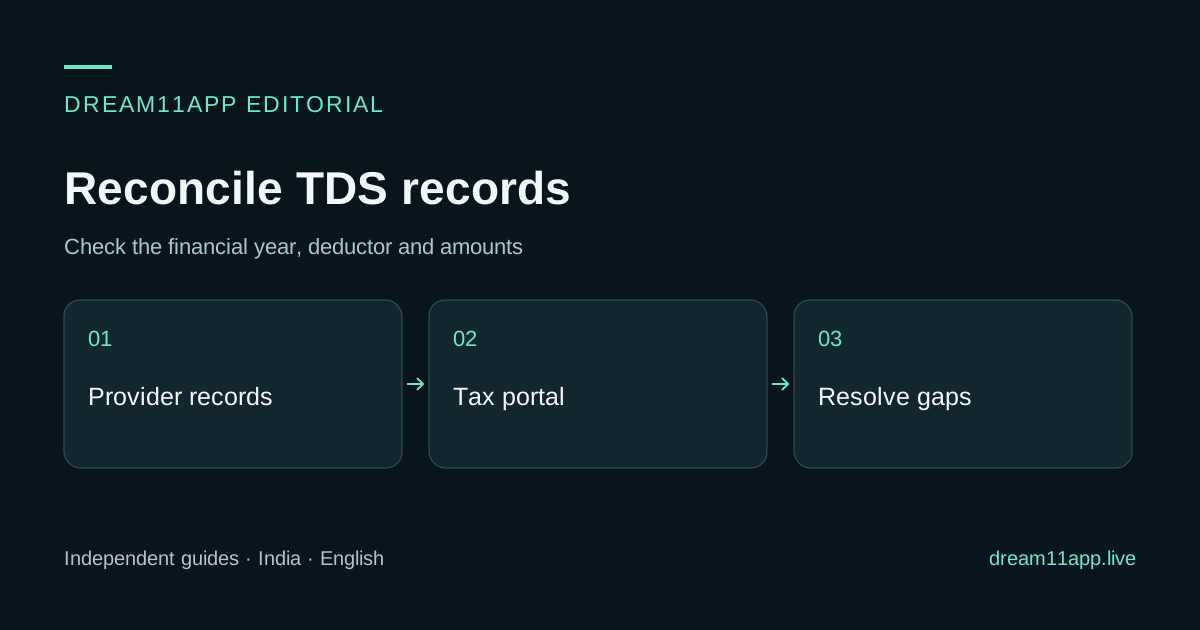
A Dream11 TDS certificate request should identify the provider, financial year and deduction records you need. Collect the account statement, obtain the appropriate tax document from the deductor and reconcile it with the official tax portal before filing. This guide does not apply a blanket ₹10,000 threshold, assume a form number or determine your individual tax liability. Dream11 App readers should request the certificate from the account that actually deducted the tax.
Identify the records and year
Write down the relevant financial year, provider legal name, account identifier and statement period. Keep transaction credits, entry costs, withdrawals and tax deductions in separate columns. A withdrawal amount is not automatically the same as taxable income, and a wallet statement is not necessarily a tax deduction certificate.
If you used multiple products or providers, keep their records separate. Dream11App at dream11app.live does not issue a certificate for a Sporta Dream11 account. A sponsored partner also has its own deductor and records. Similar branding does not make the statements interchangeable.
Request the document from the deductor
Look for the tax-record or statement option actually present in the current provider account. If it is absent, use the provider’s verified support route. The official Dream11 listing reviewed on 2 November 2026 publishes support@dream11.com. Ask for the appropriate certificate or statement for the year and deduction reference concerned.
Do not assume a fixed Wallet → Tax menu, a universal fifteen-day publication period or a specific certificate form solely from an older tutorial. The document type and reporting rules should match the applicable year and transaction category. Keep the request acknowledgement and case reference.
Reconcile with the Income Tax Department portal
Reach the official portal by its verified domain, then review the tax records available for the relevant year, including AIS or Form 26AS where applicable. Compare the deductor identity, period, amounts and identifiers with the provider document. Save a copy of the records you relied on, with access restricted to people who need them.
Use a reconciliation table to make differences visible. The example below shows fields to compare; it does not contain invented account amounts.
| Field | Provider record | Official portal record | Follow-up |
|---|---|---|---|
| Deductor identity | Record the legal name and reference | Compare the displayed identity | Ask about any mismatch |
| Reporting period | Financial year and quarter if provided | Match the same period | Avoid comparing different years |
| Deduction amount | Copy the documented amount | Compare the reported amount | Request investigation of differences |
| Account/tax identifier | Check the relevant masked identifier | Confirm it belongs to you | Use a secure correction process |
Handle a missing or inconsistent entry
Describe the exact difference: missing deduction, wrong reporting period, incorrect identifier or a different amount. Send the relevant statement reference and a redacted extract through verified support. Ask whether a correction is needed and retain the response.
Do not assume you can claim an unmatched credit merely by attaching a note, or that you must wait an invented fixed number of days. The correct filing treatment depends on current rules and your records. Use official guidance and a qualified adviser where necessary, especially when a deadline is approaching.
Keep law, deduction and final liability separate
Historical online-gaming tax discussions may mix older provisions, per-contest prize thresholds, net winnings, deduction timing and final income-tax liability. Do not transfer a threshold from one rule or tax year into another. Check the official law and guidance applicable to the year you are filing.
For numerical rates, thresholds and filing choices, consult the official law and guidance for your financial year. This page focuses on obtaining and reconciling records. It does not treat a provider FAQ or an old article as a substitute for the applicable tax law.
Before closing the account
Download the statements and correspondence you may need before requesting closure. Ask the provider how to obtain later corrections or documents after the account closes. Use the account guide for the closure request and the wallet guide for transaction references. The TDS hub provides the shorter preparation checklist.
Separate the certificate, Form 26AS and AIS
These records answer different questions. A provider statement identifies account movements; a certificate records the deductor’s stated tax deduction; the portal shows information reported to the tax authority. An amount moving from a wallet to a bank is not, by itself, proof of the tax credit available for filing.
The Income Tax Department’s AIS FAQ distinguishes TDS/TCS information in Form 26AS from the broader information and feedback facility in AIS. The worked example below is scoped to FY 2025–26 and AY 2026–27. For a different tax year, confirm the applicable forms and correction procedure on the official portal instead of assuming the same screen or labels. An AIS feedback acknowledgement records a submission; it does not itself prove that the deductor’s reporting has been corrected.
Worked example: a ₹300 difference in reported deductions
The following figures and references are fictional. They demonstrate reconciliation only; they do not calculate winnings, a tax rate, final liability or an entitlement to a refund. Assume all three lines belong to the same provider and taxpayer in FY 2025–26, with the corresponding records selected for AY 2026–27.
| Reference in the example | Provider deduction record | Matching portal entry | Working status |
|---|---|---|---|
| Record A | ₹900 | ₹900 | Amount matches; retain the reference |
| Record B | ₹600 | ₹600 | Amount matches; retain the reference |
| Record C | ₹300 | No corresponding entry identified | Investigate the missing line |
| Reconciliation total | ₹1,800 | ₹1,500 | Difference ₹300; not a new tax calculation |
First total the deductions: ₹900 + ₹600 + ₹300 = ₹1,800. The two identified portal entries total ₹1,500, leaving ₹300 to explain. Check that Record C was not included in another entry, another quarter or a different year. Comparing a quarterly certificate with a full-year statement can create an apparent difference even when the underlying amounts are consistent.
If the same-year difference remains, ask the deductor to trace Record C and confirm the reporting identity and period. Retain the response and any corrected document. If a later portal record shows the corresponding ₹300 under the correct identity and year, both totals become ₹1,800 and the amount discrepancy is reconciled. That conclusion does not settle the rest of the return or prove that tax has been fully paid on all income.
Send a request the deductor can investigate
Use the verified provider account or support address. A useful request identifies the financial year, statement period, deduction reference and the exact difference. For the fictional example: “My statement shows deductions totalling ₹1,800 for this year; I can identify ₹1,500 in the portal. Please trace Record C for ₹300, confirm the reported year and identifier, and provide the appropriate certificate or correction reference.” Replace these demonstration figures with your documented values.
Provide sensitive identifiers only through the provider’s secure process when required. In ordinary correspondence, use a masked account reference and a redacted extract. Do not attach an entire tax return, unrelated bank movements, a password or an OTP to explain one missing line. Keep a dated request copy and acknowledgement so a later reply can be matched to the same issue.
If you cannot access the original account, start with Dream11 account-access recovery. If a similarly named service deducted the amount, establish the actual provider with the product and support identity guide before sending records. Dream11App cannot issue or amend another provider’s certificate.
What to do with each unresolved result
| Finding after comparison | Next action | Evidence needed to close the issue |
|---|---|---|
| Certificate unavailable, deductions visible in the statement | Ask the deductor for the document applicable to the year and category | Document or an explanation of its status; a request alone is not completion |
| Certificate and portal show different amounts | Ask the deductor to investigate the exact references | Corrected reporting or a documented explanation of the difference |
| Wrong taxpayer identifier or period | Use the secure correction process with the responsible reporting party | Correct identity/year on the relevant records |
| AIS feedback submitted but the underlying difference remains | Keep the feedback acknowledgement and continue tracing the source record | Reviewed records, rather than only a “submitted” screen |
| Filing deadline approaching with an unresolved mismatch | Take the evidence and correspondence to a qualified tax adviser | A filing decision appropriate to your facts and current rules |
For the records covered by its tax-credit mismatch FAQ, the Department directs a taxpayer with a TDS mismatch to the deductor for a revised TDS return and describes credit by reference to Form 26AS. Check the guidance applicable to your year before filing. Editing a worksheet or submitting AIS feedback is not a substitute for the responsible party’s correction.
Before handing records to an adviser, keep one reconciliation sheet with the selected year, provider, references, totals, unresolved differences and acknowledgement dates. Use the TDS preparation hub for the short checklist and the wallet records guide when a deduction cannot yet be tied to an account transaction. The task is complete only when you can account for the documents and remaining differences; this article does not file a return on your behalf.
Tax-record questions
FAQ: Can this site generate my Dream11 certificate? No. Request it from the deductor responsible for the account and year.
FAQ: Is TDS always the final amount of tax I owe? Do not assume that. Reconcile the records and apply the filing rules relevant to your year and circumstances with appropriate advice.